In my years in web development, I’ve seen static sites evolve from basic HTML pages to essential tools for developers. These generators have changed web building, offering speed, security, and ease that CMS platforms often can’t match.
I’ve worked with Jekyll, Hugo, and Eleventy on various projects, from personal blogs to client sites. Each has its own strengths within the JAMstack framework. My experience shows that the right Static Site Generator depends on your project’s needs and your preferences.
This comparison is based on my practical experience, not just theory. I’ll share what I’ve learned about these three popular options. This should help you make a well-informed choice for your next project.
Key Takeaways
- Static site generators offer superior performance and security compared to traditional CMS platforms
- JAMstack architecture represents a modern approach to web development
- Personal experience with multiple generators provides practical insights
- Each generator has distinct advantages for different project requirements
- The choice depends on specific needs rather than one being universally better
- All three options represent excellent choices for modern web projects
Understanding StaticSiteGenerators and Their Benefits
Static site generators stand out due to their pre-rendered content delivery method. Unlike dynamic sites, they create complete HTML files during development. This approach offers numerous advantages, evident in my projects.
The performance benefits of static site generators are clear. Pages load swiftly, thanks to being pre-built. This speed boost enhances user experience and search engine rankings.
My experience shows static sites outperform dynamic ones in loading times. The lack of database queries and server-side processing reduces bottlenecks. Visitors enjoy faster responses, and search engines reward this with higher visibility.
Security advantages are another reason to opt for static site generators. With no databases or server-side execution, the attack surface shrinks. There’s no need for urgent plugin updates or vulnerability patches.
Maintaining static sites is much easier. I no longer fret over security patches for content management systems or database exploits. The static nature significantly reduces security risks.
The cost benefits of static site generators might surprise newcomers. Many hosting providers offer free plans for static sites, as they require minimal server resources. I’ve hosted numerous client sites on free tiers, saving on hosting costs.
Key advantages I’ve experienced include:
- Blazing-fast loading times that improve user engagement
- Enhanced SEO performance due to technical optimisations
- Reduced security concerns with no dynamic elements
- Lower hosting costs with many free options available
- Simplified maintenance without constant updates
These SSG benefits make for a modern and straightforward development experience. The reliability and security of static site generators make them my go-to for most web projects.
Whether for personal blogs, documentation sites, or small business websites, the advantages hold true. The performance gains alone are worth it. But when combined with other benefits, static site generators are a clear choice for many scenarios.
Key Differences: Jekyll vs Hugo vs Eleventy
Exploring the differences between Jekyll, Hugo, and Eleventy reveals unique strengths for various projects and skill levels. My extensive experience with these tools offers practical insights for selecting the ideal static site generator for your next project.
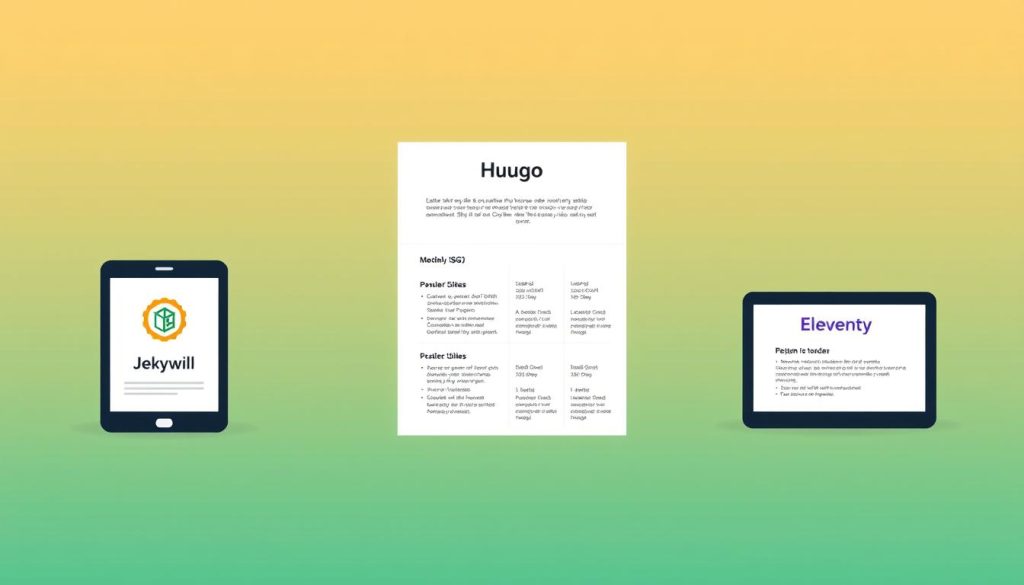
Jekyll: Ideal for Bloggers and Beginners
Jekyll is an excellent starting point for newcomers to static site generation. Its Ruby base might seem intimidating, but the learning curve is surprisingly gentle. Its seamless integration with GitHub Pages allows for a live site in minutes, eliminating hosting costs.
The theme ecosystem is a standout feature. My first Jekyll tutorial project showcased numerous beautiful templates requiring minimal setup. This is ideal for bloggers focusing on content rather than technical details.
Jekyll’s natural handling of blog posts is another key advantage. It supports posts, categories, and tags intuitively. For beginners, Jekyll offers the right balance of structure and simplicity for personal blogs or portfolios.
Hugo: Built for Speed and Large Sites
Hugo’s build speed became crucial for my large documentation site with thousands of pages. Its Go language foundation compiles sites in milliseconds, transforming the development process. Real-time previews are now instantaneous.
Hugo’s features include powerful taxonomy systems, image processing, and multilingual support. These features enable the creation of complex sites that would require extensive customisation elsewhere.
Hugo’s content organisation is highly sophisticated. It uses sections, bundles, and archetypes for flexible content modelling. For large-scale enterprise sites or publications, Hugo’s performance and organisational capabilities are unmatched.
Eleventy: Simplicity and Flexibility Combined
Eleventy’s approach to static site generation won me over. As a JavaScript-based tool, it’s familiar to web developers yet remarkably simple. Its minimal configuration allows for quick setup and the addition of complexity as needed.
Eleventy’s template language agnosticism is a major advantage. Unlike other generators, it supports multiple templating languages without forcing a particular syntax. During my last Eleventy setup, I used Markdown, Nunjucks, and Liquid templates seamlessly.
Its flexibility extends to data sources as well. I’ve integrated Eleventy with various APIs and local data files, creating dynamic-feeling static sites. This flexibility is perfect for projects requiring custom data structures or unconventional content organisation.
Eleventy’s community-driven development ensures it evolves based on user needs, not corporate roadmaps. Its plugin ecosystem, while younger, focuses on quality with carefully curated additions.
How to Build a Site with Hugo: A Step-by-Step Guide
After exploring various static site generators, I’ve settled on Hugo for my web projects. It offers a perfect blend of speed and flexibility. Here’s how I set up and deploy my sites with Hugo.
Over time, I’ve streamlined my Hugo installation and development process. Whether you’re building a blog, portfolio, or business site, these steps will expedite your start-up.
Step 1: Install Hugo and Create a New Project
Installing Hugo is simple. I use Homebrew on macOS, but it’s similar on other platforms. Here are the commands for different operating systems:
- macOS: brew install hugo
- Windows (Chocolatey): choco install hugo-extended
- Linux (Ubuntu/Debian): sudo apt-get install hugo
Verify Hugo’s installation by running hugo version. I prefer the extended version for Sass/SCSS support. To start a new project, run hugo new site my-project and then cd my-project.

Step 2: Add Content and Apply a Theme
Hugo’s content structure is intuitive. I use sections for organisation, which Hugo handles well. For new pages, I use hugo new about.md for basic pages or hugo new posts/my-first-post.md for blog posts.
Front matter is crucial. I use YAML for content metadata. Here’s my typical structure:
| Field | Purpose | Example Value |
|---|---|---|
| title | Page title | My First Post |
| date | Publication date | 2023-10-15T14:30:00Z |
| draft | Work in progress | false |
| categories | Content organisation | [‘Web Development’] |
For themes, I explore Hugo’s extensive library at themes.gohugo.io. I seek themes with good documentation and active maintenance. After selecting a theme, I add it as a submodule: git submodule add https://github.com/theme-repo themes/theme-name.
Step 3: Build and Deploy Your Static Site
Deployment is where everything comes together. I build my site with hugo -D to include draft content during development. For the final static files, I use hugo without flags.
I’ve deployed Hugo sites on various platforms, each with its benefits. Here’s my experience with different hosting options:
| Platform | Setup Time | Best For | My Rating |
|---|---|---|---|
| Netlify | 5 minutes | Automatic deployments | ★★★★★ |
| Vercel | 5 minutes | Next.js integration | ★★★★☆ |
| GitHub Pages | 10 minutes | Free hosting | ★★★☆☆ |
| Cloudflare Pages | 7 minutes | Global performance | ★★★★☆ |
My go-to for deployment is Netlify for its ease. I connect my GitHub repository, and Netlify handles the rest. The build command is hugo, and the publish directory is public. For custom domains, I add a CNAME record pointing to Netlify’s servers.
I always enable form handling and split testing for client projects. The free tier is sufficient for most personal sites. For larger projects, I upgrade to Netlify’s pro plan for better form processing and analytics.
Conclusion
After delving into Jekyll, Hugo, and Eleventy, I’ve identified each static website generator’s unique strengths. This comparison showcases their capabilities for different projects.
Jekyll stands out for bloggers and novices with its ease of use. Hugo is the go-to for large-scale sites needing rapid performance. Eleventy, on the other hand, is perfect for those who crave customisation.
My approach to selecting a static website generator is based on project size, team expertise, and deployment requirements. It’s about finding the right tool for the job, not imposing one solution on all.
I recommend trying out all three static website generators. Begin with a small personal project to gain practical experience. You might uncover a favourite not mentioned here.
I’m eager to hear about your preferred static website generator for your projects. Share your experiences or any questions you have in the comments below.